Manage booth orders
What sellers see, what admins see, and where the booth fits into the raffle's wider orders.
Once you've placed orders at the booth, they live in the same place as the rest of your raffle's orders — just with a tag that tells you they came from the booth instead of online.
From the booth
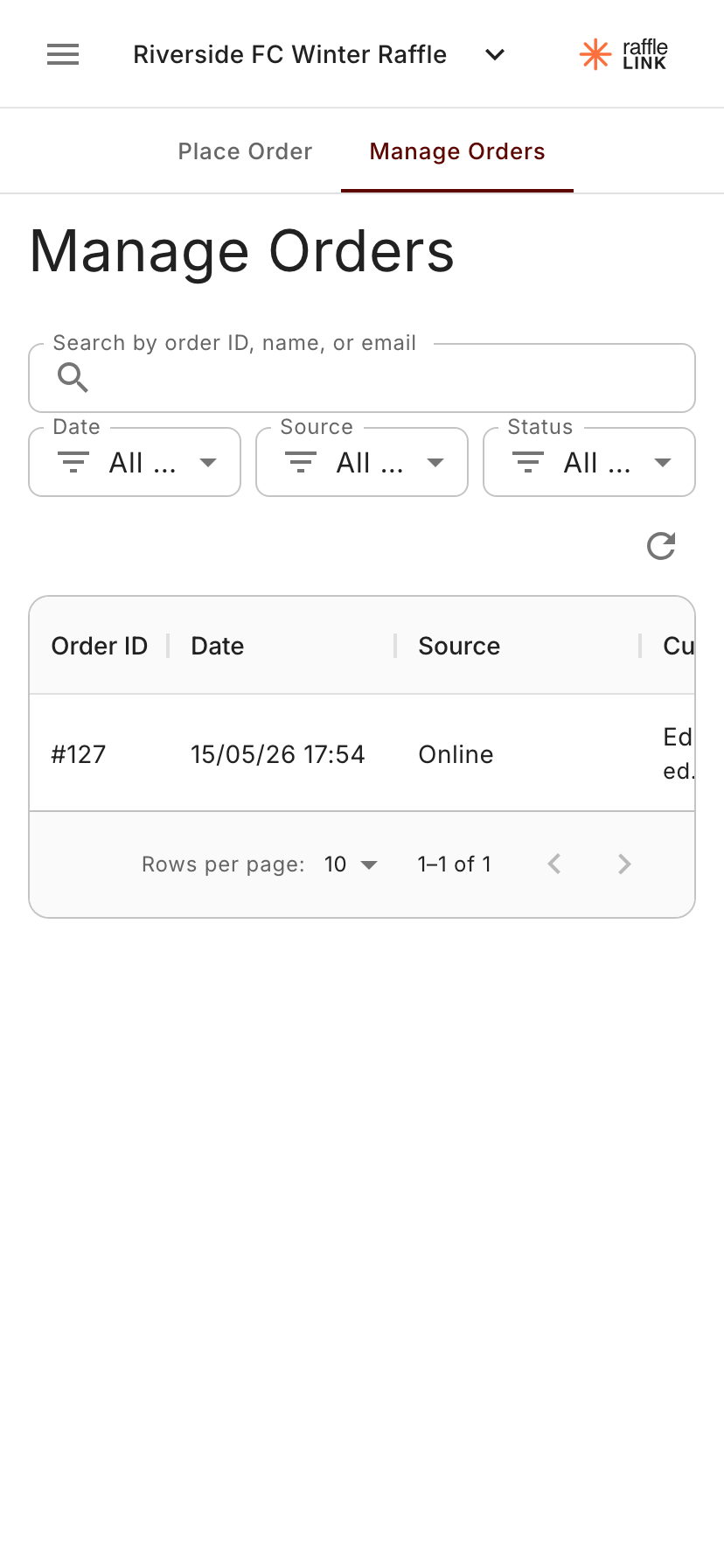
From inside the booth workspace, Manage Orders shows the booth's order history. There's a Source column so you can see at a glance which orders were placed at the booth vs which came through online.
What you see here depends on your role:
- Ticket Sellers see only orders they personally placed. Helpful in the moment — "where's the one I just rang up for John?" — without overwhelming them with the full raffle.
- Org admins and affiliates see all orders on the raffle, online and booth, with the same Source column and the usual search and filters.
From the raffle's main Orders page
Org admins can also work with booth orders from the regular raffle Orders page — same data, same actions, just outside the booth workspace. Useful when you're reconciling after an event from your laptop rather than the booth phone.
Editing an order
What you can do per order
The booth orders support the same actions as online orders, with one key difference (voiding):
- View order details and ticket numbers.
- Update the buyer's contact information.
- Resend the confirmation email.
- Void the order (see Voiding an offline sale — works a bit differently from online).
For the standard online-order actions, see Orders.