View and search orders
Finding a specific order and reading what's in it.
Last reviewed 10 September 2026
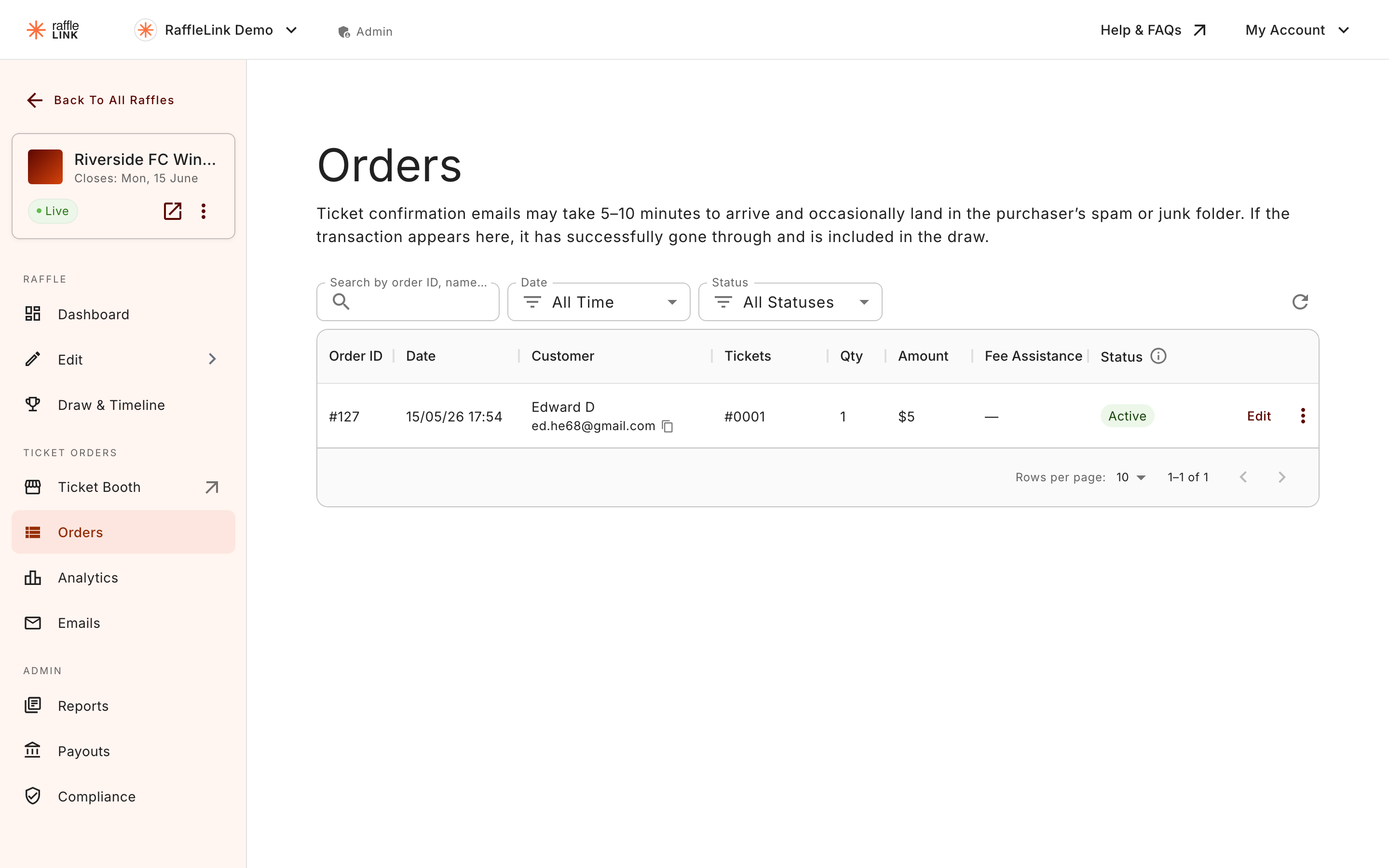
The Orders page lists every order on your raffle, newest first. When you're looking for one in particular — a buyer who emailed asking about their tickets, say — search and filters get you there fast.
Find an order
- Search by the buyer's name, email, or order reference.
- Filter by status (e.g. active vs voided) and, if you run a booth, by source (online vs Ticket Booth).
What's in an order
Open any order to see:
- The buyer's details — name, email, and (where the raffle collected it) address.
- The ticket numbers they hold.
- The payment method — card or PayPal, or for booth sales, Cash / EFTPOS / Other.
- The order status and any answers to your custom checkout questions.
Online vs booth orders
If you run a Ticket Booth, the Source column tells you which orders came in online and which were placed at the booth. The two sit together in the same list — handy for a complete picture — and the actions available are nearly the same, with one difference around refunds. See Cancel an order and issue a refund.
Was this page helpful?