Email your ticket buyers
Sending updates to everyone who's bought a ticket, or to a filtered group.
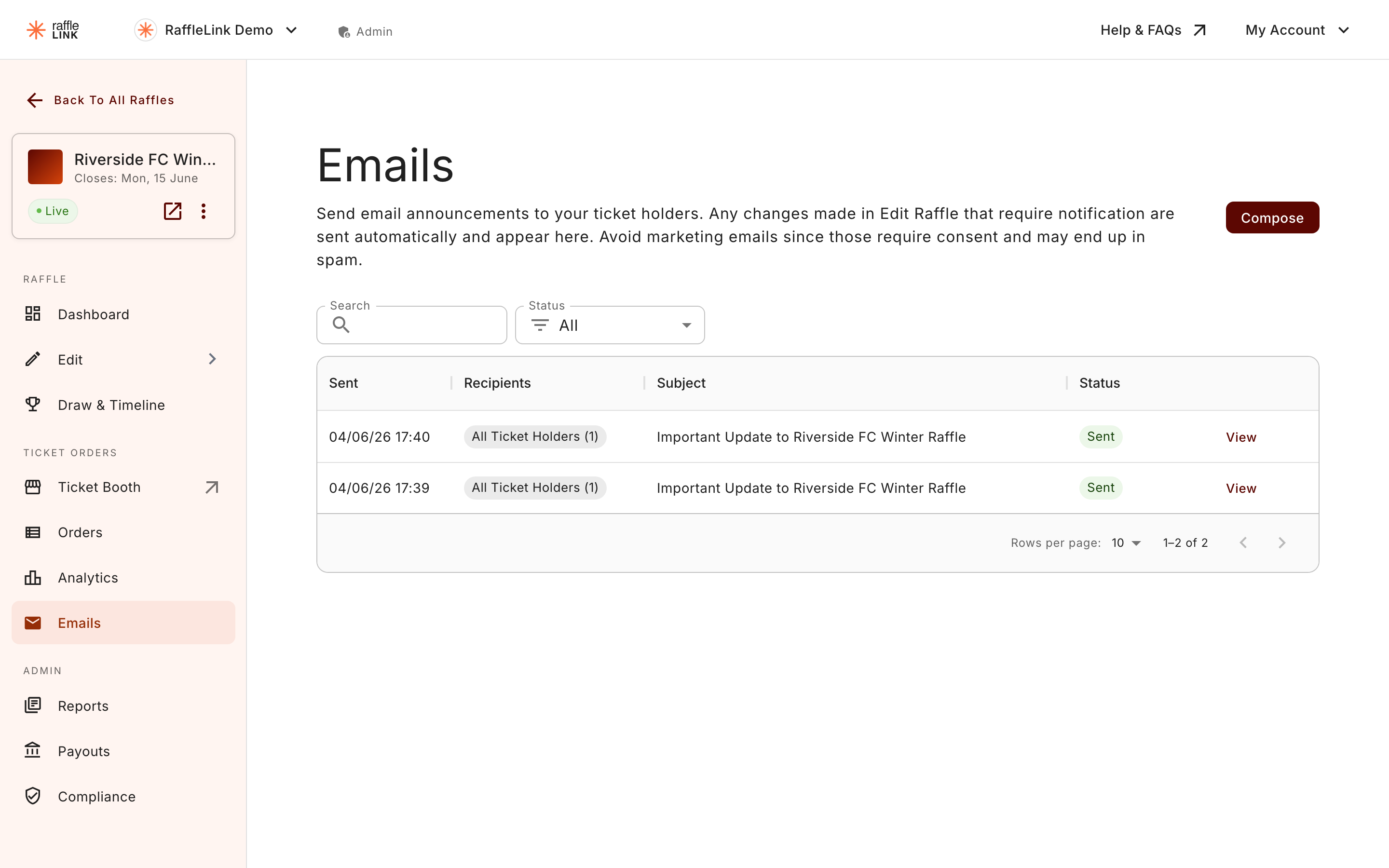
Beyond the automatic notifications RaffleLink sends, you can write and send your own emails to the people who've bought tickets in your raffle — a "thanks, we're nearly there" nudge, a reminder the draw is soon, or news about the cause. You'll find this under Emails in the raffle sidebar.
Compose and send
- Open Emails from your raffle.
- Write your message in the composer (it's a rich-text editor — headings, links, the usual).
- Choose your recipients (see below).
- Send now, or save as a draft to finish later.
Choosing who gets it
You can send to everyone who's bought a ticket, or narrow it down:
- All Ticket Holders — everyone with a completed purchase on the raffle.
- Winners Only — after the draw, message just the people who won (handy for prize-collection details).
- Or expand a group and tick individual recipients.
"Completed purchase" is doing some quiet work there: someone who started a checkout but never paid, or whose order was refunded, voided or cancelled, isn't on the list. Your emails only go to people who actually hold tickets.
A couple of practical notes
- No buyers yet? If your raffle hasn't sold any tickets, there's no one to email — but you can still write your message and save it as a draft to send once sales start.
- Drafts are your friend. Write the "draw is tomorrow!" email in advance, save it, and send it when the time comes rather than scrambling on the day.
- Keep it occasional. Your buyers opted into a raffle, not a newsletter. A few well-timed emails land far better than frequent ones.
This is separate from change notifications
The emails you send here are your own messages. They're different from the automatic notifications that go out when you change a gated field on a live raffle — those are triggered by edits, not written by you. See Editing a live raffle.