Public directory
Choosing whether your raffle appears in RaffleLink's public browse directory.
RaffleLink has a public directory where people browse raffles across organisations. You decide whether your raffle appears there — listed for discovery, or unlisted and reachable only by your link.
The setting
On your raffle's Optional step, in the Other Raffle Settings block, there's a List Raffle Publicly toggle. By default, new raffles are listed — they show up when people browse and may be included in RaffleLink promotions.
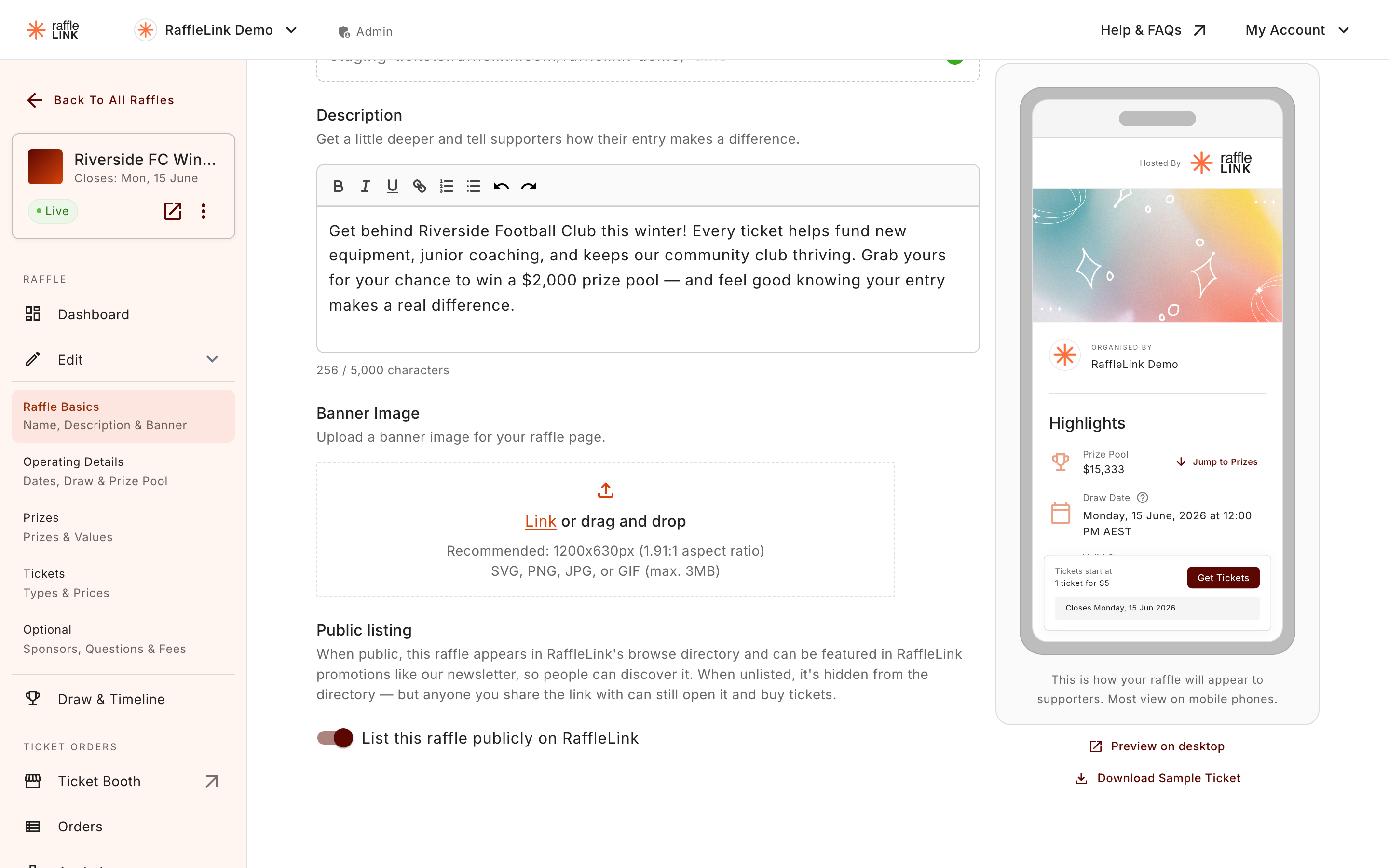
Listed vs unlisted
Listed (the default):
- Appears in the public raffle directory.
- Can turn up when people filter and browse for raffles.
- May be featured in RaffleLink promotions.
- More discovery, more potential reach.
Unlisted:
- Hidden from the directory and excluded from RaffleLink promotions.
- The direct link still works perfectly — anyone you share it with can buy.
- Good for private or invite-only raffles, or when you only want your own audience taking part.
Which to choose
- Listed if you want maximum reach and don't mind strangers finding your raffle. Most fundraisers benefit from the extra exposure.
- Unlisted if the raffle is for a specific community, a private event, or you simply prefer to control exactly who sees it.
Unlisted is not private-private
Unlisted means "not in the directory," not "secret." Anyone with the link can still open and buy. If you share the link publicly, an unlisted raffle is just as reachable as a listed one — it just won't show up when people browse.