Conversion tracking
Connecting a Meta Pixel to measure your raffle's marketing.
If you're promoting your raffle through Facebook or Instagram ads, you can connect a Meta Pixel to see which of your efforts actually drive ticket sales. It's optional, and aimed at organisers running paid social campaigns.
What it does
A Meta Pixel lets you measure conversions — when someone who saw or clicked your ad goes on to view your raffle and buy a ticket. With it connected, your public raffle pages report page views and purchases back to your Meta account, so you can see what's working and tune your spend.
Set it up
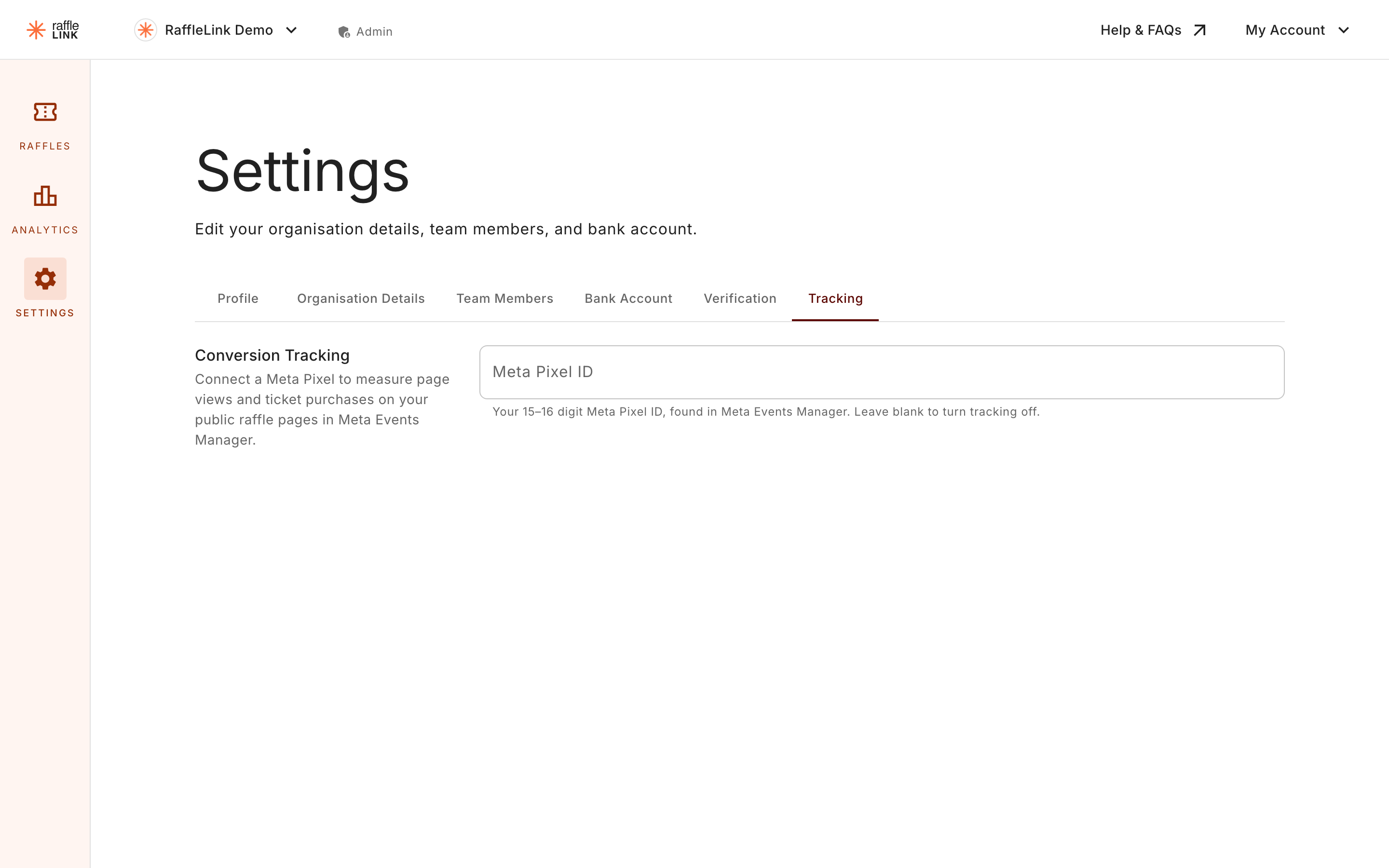
- Go to Settings → Tracking.
- Paste in your Meta Pixel ID.
- Save.
From then on, your raffle pages fire the relevant events (page views and purchases) to that pixel.
Do you need it?
Only if you're running paid Meta ads and want to measure them. If your promotion is organic — sharing links, word of mouth, your newsletter — you don't need a pixel, and your raffle works perfectly without one. Skip this unless you're spending on ads and want the data.
A note on privacy
A pixel reports activity on your raffle pages to your Meta account. If you connect one, make sure that's consistent with what you tell your supporters about how their data's used. If you're not sure, it's fine to leave tracking off — it's there for organisers who want it, not a requirement.