Tax invoices and reports
The PDFs and CSVs you'll want at the end of a raffle and end of the year.
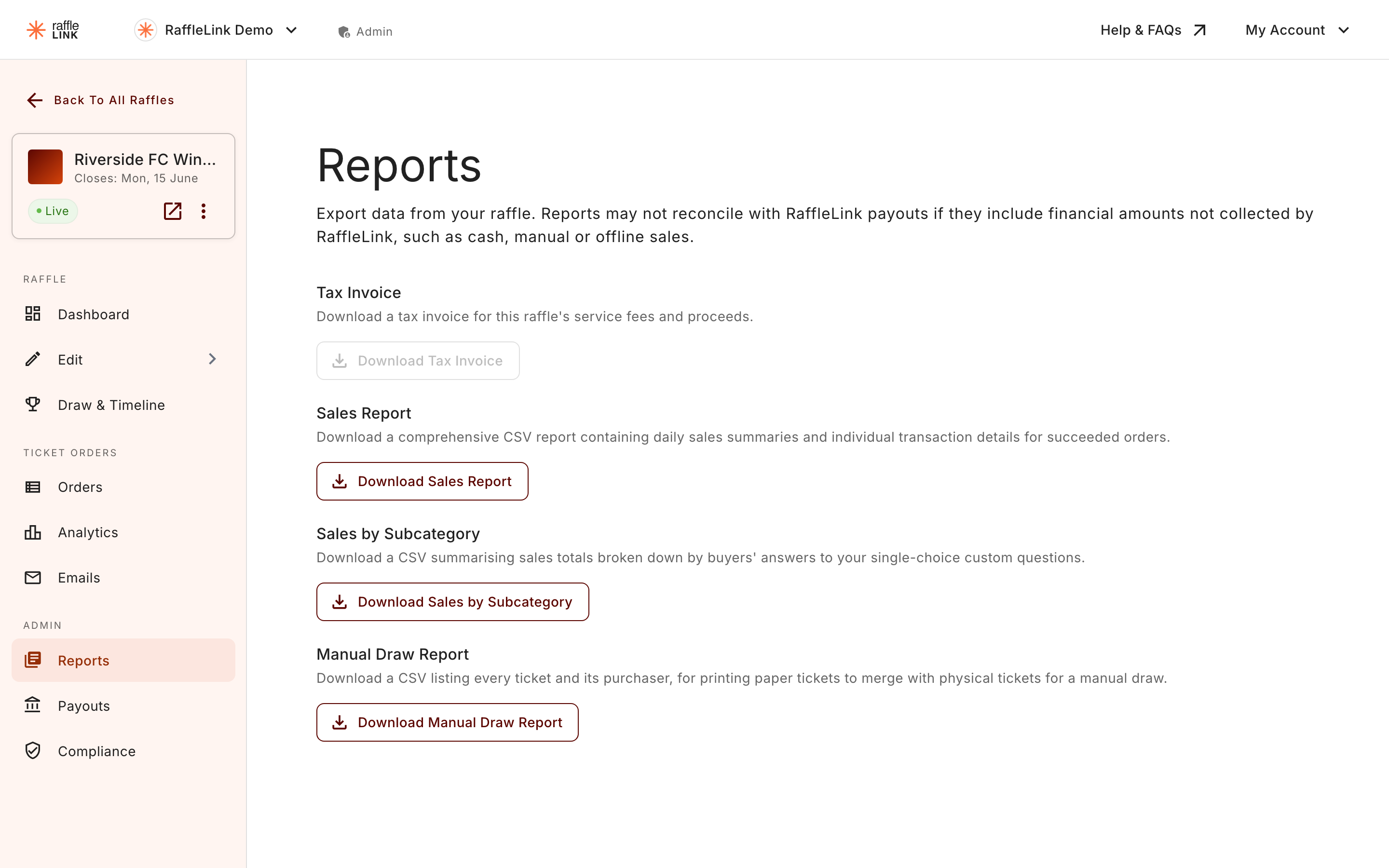
When the raffle is done and the dust has settled, you'll want tax invoices for your records and CSVs for your accountant or treasurer. They live on the raffle's Reports page.
Tax invoice
A single PDF covering the platform fees RaffleLink charged your organisation across the raffle. It's available once the raffle is complete (drawn, winners notified, payouts settled).
What's on it:
- Your organisation's details.
- A summary of the raffle.
- The total platform fee for the raffle.
- The split between RaffleLink Sales (which the fee applies to) and Cash & POS Sales (which it doesn't).
You hand this to your accountant. It's GST-compliant and matches the figures on your remittance advices.
Sales report (CSV)
A per-order spreadsheet of every ticket sale on the raffle. Useful when you need to:
- Reconcile against your bank statement.
- Hand a list of supporters to your communications person.
- Investigate a specific order or buyer.
The CSV includes both RaffleLink Sales and Cash & POS Sales, with a Channel column that tells you which is which, and a Status column so voided sales are visible too — the report tells the whole story, not just the surviving orders.
Each transaction row also ends with a Payment Method column. It's filled in for booth sales and blank for online rows, so filtering that column in your spreadsheet isolates the booth sales in one move.
If the raffle took in-person sales, the CSV also includes a summary section, Ticket Booth Sales by Payment Method: one row per method used (Cash, EFTPOS, Bank transfer, Card (in person), Other) plus a Total row, with columns for Payment Method, No. of Sales, Tickets Sold, and Gross. Raffles with no in-person sales don't get this section.
Segmented sales report (CSV)
The same orders as the Sales report, pre-grouped by useful dimensions (date, ticket type, state). Easier when you want a breakdown without writing pivot tables yourself, though it doesn't carry the payment-method detail — for that, use the Sales report.
Manual draw report
Available after the draw. The official record of how the winning tickets were chosen — useful for compliance, and required reading for some state regulators.
A note for your accountant
The platform fee only applies to RaffleLink Sales — the money RaffleLink processed for you. Cash & POS Sales at the booth carry no fee and don't appear in your payouts (you collected that money directly at the event). Your tax invoice reflects this split, so the fee figure should match exactly what was deducted from your payouts.