Publish results
Putting the winners on your public raffle page, for transparency and closure.
Publishing results puts the winning ticket(s) on your public raffle page, so anyone who took part — or who's just curious — can see the outcome. It's the transparent, tidy way to close out a raffle.
Publish the results
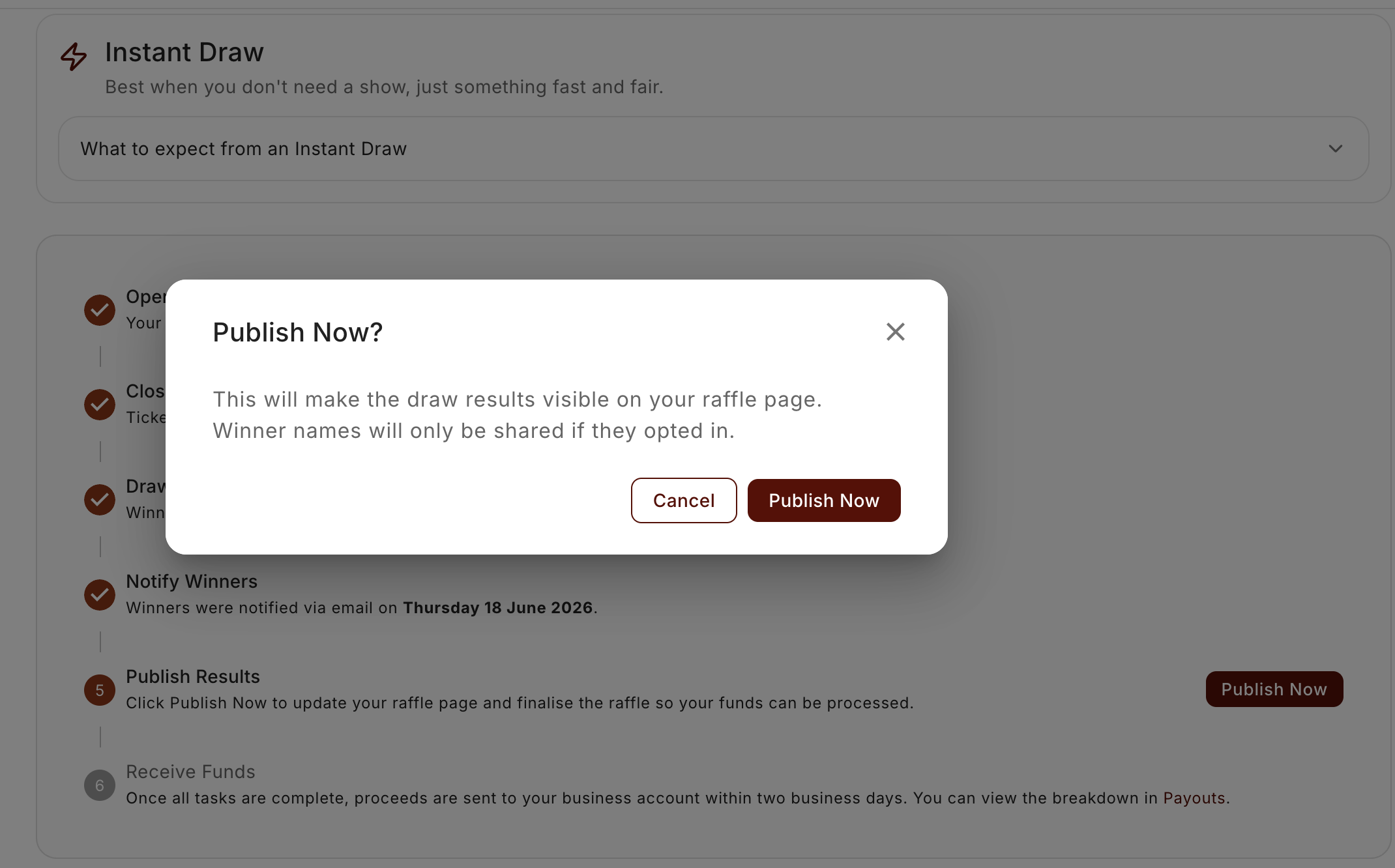
From the Draw & Timeline tab, choose Publish results (you may see Publish now). The winners are added to your raffle's public page, and you'll get a confirmation that they're live.
Why publish at all
- Transparency. Showing the result publicly builds trust — supporters can see the raffle was drawn and who won.
- Closure. Anyone landing on the raffle page after the draw sees it's finished and how it ended, rather than a stale "buy tickets" page.
- Good for next time. A visible, well-run result makes people more comfortable buying into your next raffle.
It's your call when
Like the other wrap-up steps, publishing is deliberate — it doesn't happen the instant you draw. You might email your winners first, confirm they're happy to be named, and then publish. Or publish straight away. The order's up to you.
Publishing is the only post-draw step you have to take. Emailing your winners is optional: you can send it before you publish, after you publish, or skip it entirely and tell your winners your own way.
One thing worth knowing: publishing is also what finalises your payout. Your ticket sales can't be paid out until results are published, so while there's no forced deadline, it's worth doing promptly.
If a drawn raffle sits unpublished, RaffleLink will remind you — an email (and a bell notification the first time) starting a few days after the draw, repeating weekly for a while. Publish and the reminders stop.
Download a record of your results
On the Winners tab, Download PDF generates a winner results record for your files — every prize, its winning ticket, and the winner's contact details, along with when the draw ran and who witnessed it. It's available as soon as every winner is recorded (it doesn't wait for the winner email or for publishing).
Winner contact details are included for your records — handle them in line with your privacy obligations.
A note on winners' privacy
Think about what gets shown publicly. If a winner would rather not be named, factor that in before publishing — a quick line in your winner notification asking if they're happy to be shown is a considerate touch for community raffles.
After publishing
That's effectively the raffle wrapped. What remains is the money side — your final payout and your tax invoice and reports — and handling any winner who's gone quiet (if you can't reach a winner).