Ways to pay
Card, Apple Pay or Google Pay — and what shows up on your statement.
RaffleLink keeps payment simple and secure. You've got a few options, and they all do the same job — getting you into the draw.
Your options
At the payment step you can pay by:
- Card — credit or debit. Enter your card details in the secure form.
- Apple Pay / Google Pay — if your device supports them, they appear with the card form for a one-tap checkout.
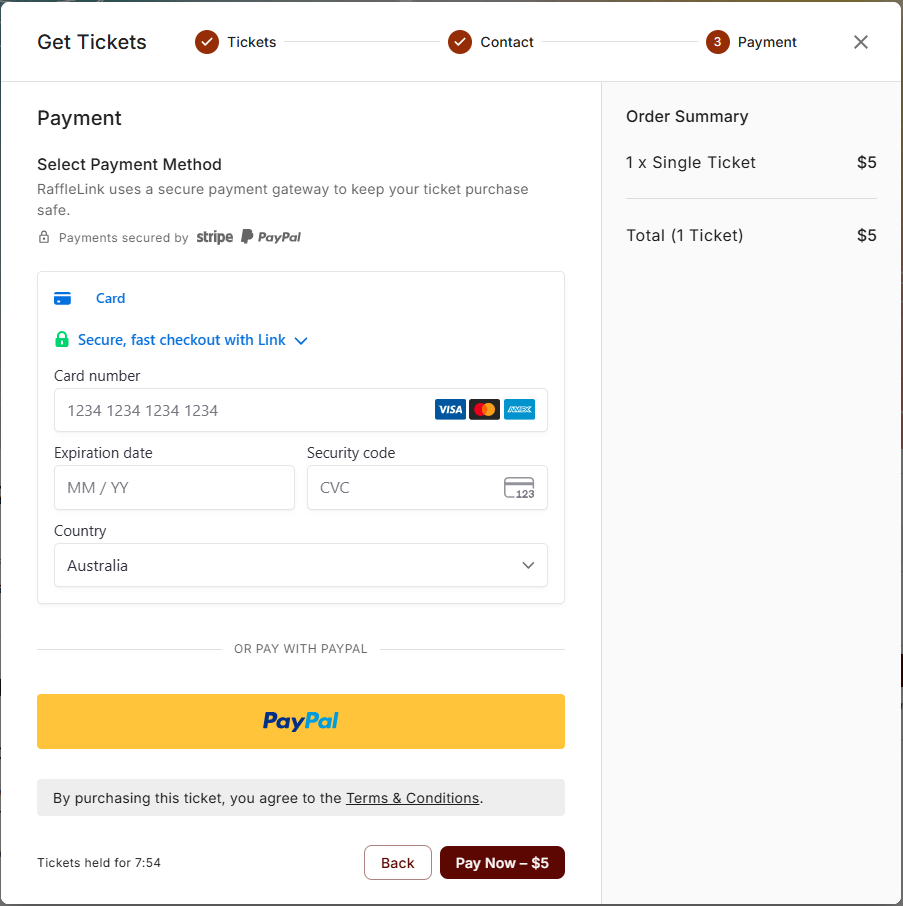
Pick whichever suits you — there's no difference to your tickets or your entry, just how the money moves.
PayPal is temporarily unavailable
PayPal is switched off at checkout for now while we work through some issues with PayPal. We expect to bring it back — in the meantime, card, Apple Pay and Google Pay all work as normal.
If you paid with PayPal on an earlier order, nothing changes for you: the order still shows in your PayPal activity, and refunds still go back the same way.
What shows up on your statement
This trips people up, so it's worth knowing:
- Card, Apple Pay, Google Pay — the charge appears on your card statement as RAFFLELINK* followed by the raffle's short name. So if you're scanning your statement later trying to place a charge, that's us.
- PayPal — if you paid this way, the purchase shows up in your PayPal account activity, not on your card statement. If you can't find the charge on your card, that's why — check PayPal instead.
Is it secure?
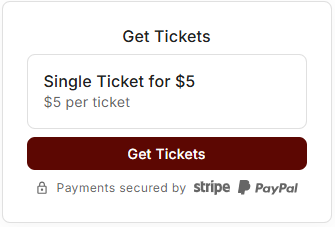
Yes. RaffleLink uses a secure payment provider to handle your payment — your card details are processed safely and aren't something the organiser sees. You'll spot a small "Payments secured by" line under the Get Tickets button and on the payment step, naming the trusted provider that actually moves the money.
Helping cover the fee
Just before payment, some raffles ask if you'd like to help cover the platform fee. It's entirely optional, and here's the deal: organisers pay a small fee to RaffleLink to run the raffle. If you choose to cover it, 100% of your ticket price goes to the cause. You'll see options like "Cover half," "Cover the full amount," or "No thanks" — pick whatever feels right. Either way, your tickets and your chances are exactly the same.