Update your details
Fixing your email or contact information after you've bought.
Mistyped your email? Moved house? You can update the contact details on your order after buying — and if you fix your email, your tickets get re-sent to the right place.
How to update
Open the link in your confirmation email to reach your tickets page, and look for the option to edit your contact information. You can update your name, email, address, and any answers you gave to the organiser's questions.
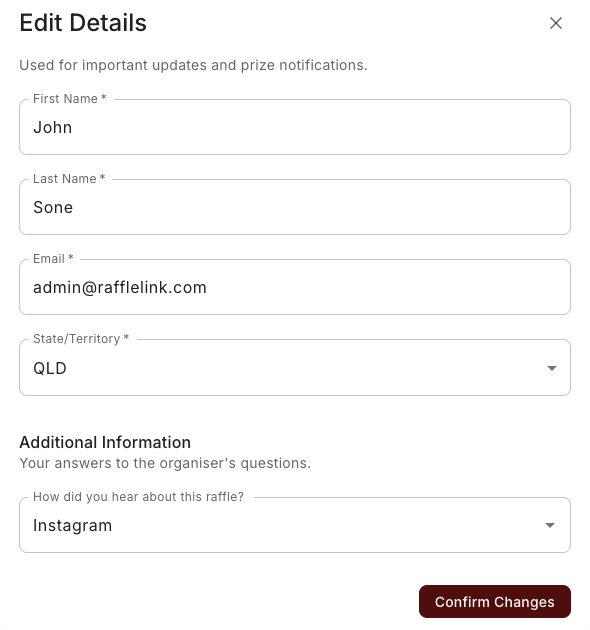
Fixing a wrong email
This is the important one. Because your tickets live behind a link sent to your email, a wrong email address means you didn't get your confirmation — and can't reach your tickets. When you correct the email, RaffleLink re-sends your confirmation to the new address, so your tickets land where they should.
If you can't reach your tickets at all
If you mistyped your email so badly that you never got the confirmation in the first place, you won't have the link to update it yourself. In that case, contact the organiser (details on the raffle page) or support@rafflelink.com — give your name and the email you meant to use, and we'll correct it and resend.
Why keep details current
- Your email is how you receive your tickets, updates, and the result.
- Your other details may matter if you win — the organiser uses them to arrange your prize.
So if something's wrong, it's worth a quick fix.