Create your organisation
The setup form — and the one thing to know before you start.
If no one from your group is on RaffleLink yet, you'll create the organisation. (If someone already has, join theirs instead rather than making a second one.)
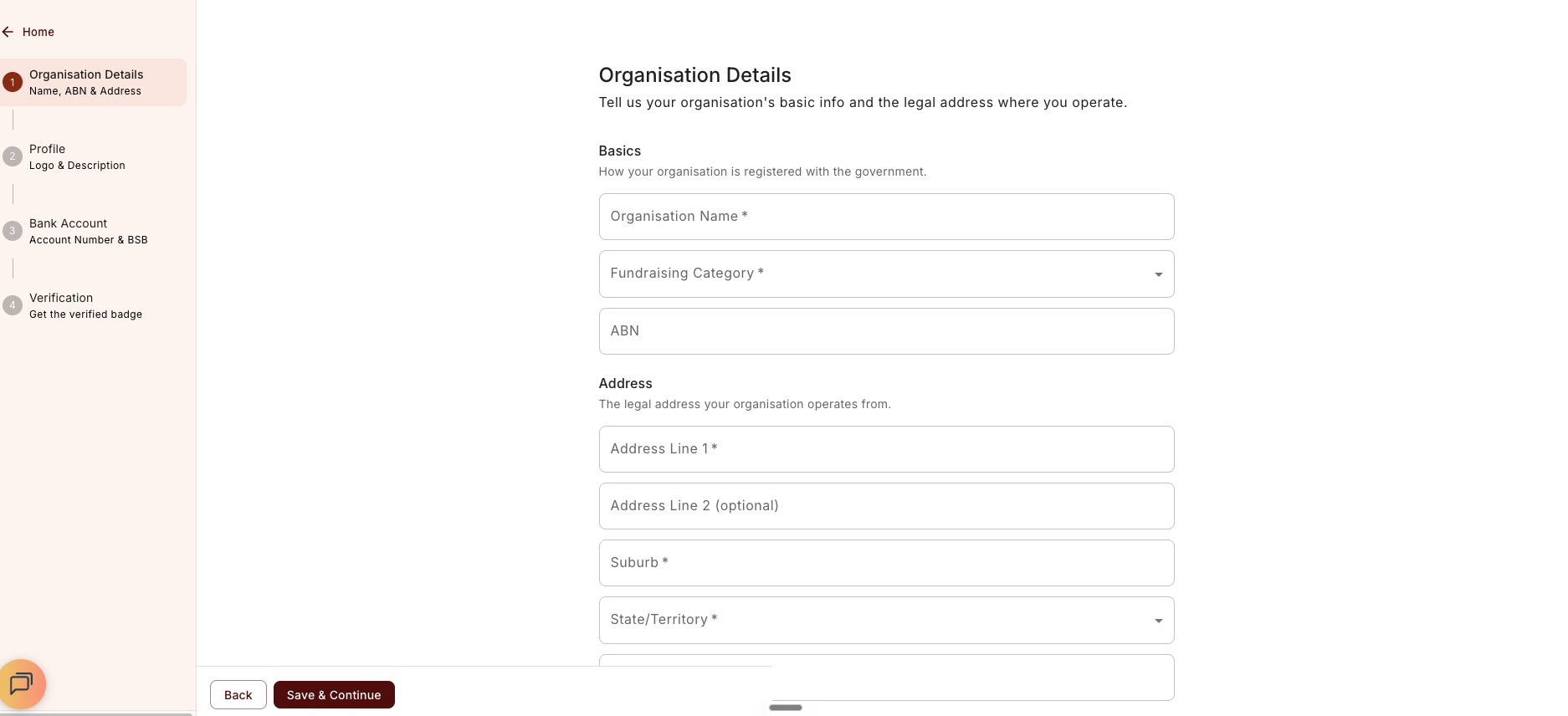
It's a short form covering your organisation's details, a public profile, and a bank account for payouts. You'll also tick a box confirming you're allowed to set the organisation up — "I'm authorised to set up this organisation." If you're actually raising money for a group you're not part of, use the Run a one-off raffle instead link to switch to the on-behalf path.
Finish in one sitting — the form doesn't save on refresh
While you're creating your organisation, your progress is held only for the session. If you refresh or close the tab before saving, you'll start over. It's a short form, so this usually isn't a problem — just set aside a couple of minutes and complete it in one go. Once you hit Save, your organisation is created and everything is stored.
You can edit almost everything later
Once your organisation is created, you can come back and change its details any time — name, logo, description, contact email, bank account, and so on. So don't worry about getting every field perfect up front.
The one to think hard about is your URL slug. An Admin can rename it later, but there's no redirect — every link you've already shared breaks the moment you do. It appears in all your raffle links, so decide it deliberately before you finish. See Choosing your slug.