Tracking permit status
Keeping an eye on your raffle's permits and compliance while it runs.
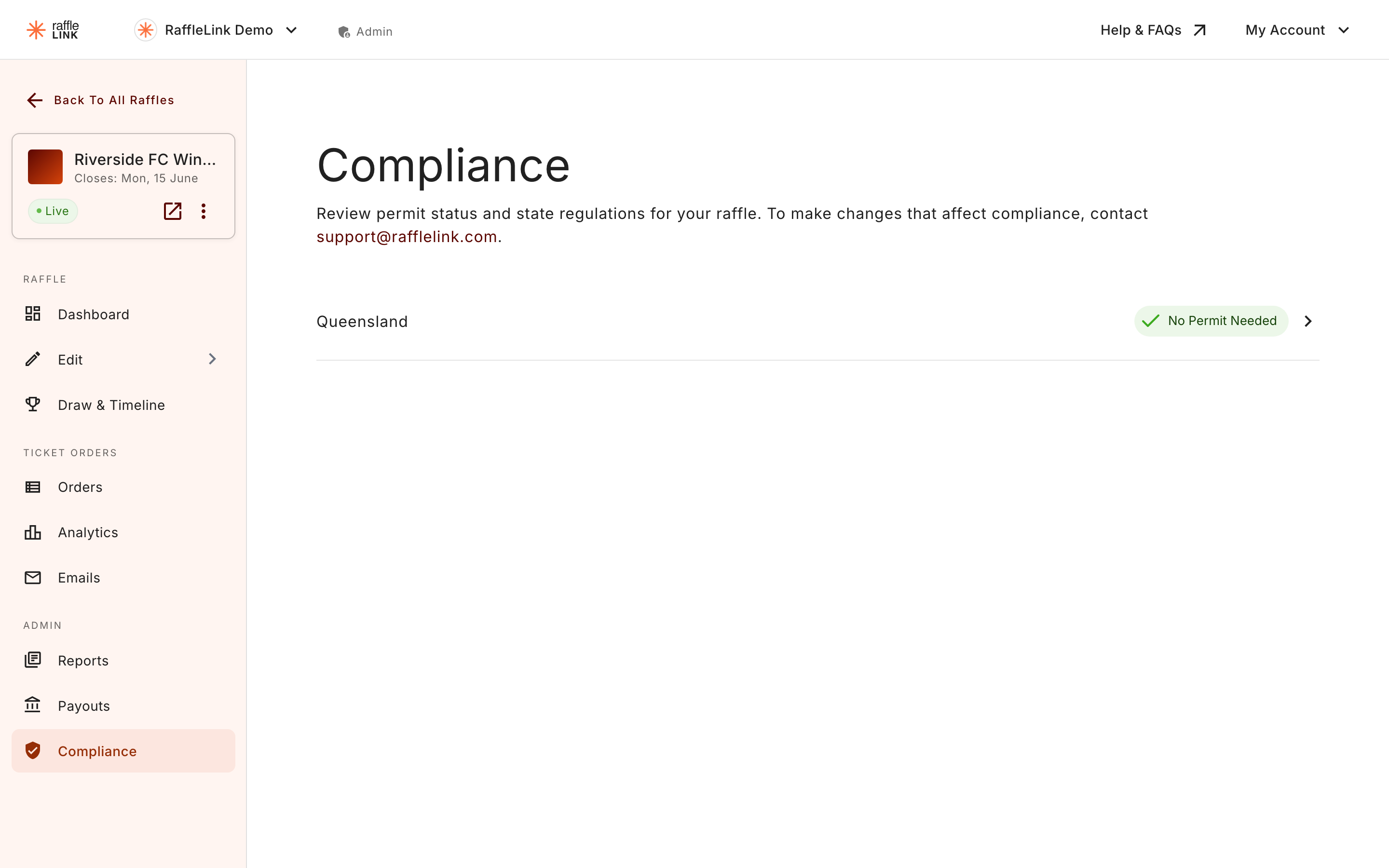
Once your raffle is live, you can check its compliance status any time from the raffle's Compliance page. It's a read-only summary of where each state stands — handy for a quick "are we all good?" before a big push, or when a teammate asks.
What you'll see
The compliance dashboard shows, per state your raffle operates in:
- Whether a permit was required, and if so, its status.
- The permit details you've recorded.
- Any outstanding compliance items for that state.
Who can see it
Admins can view and manage compliance. Readers can view the Compliance page read-only — useful for a treasurer or board member who needs oversight without editing. See Roles explained.
Making compliance changes on a live raffle
Some compliance-related details can't be changed freely once a raffle is live — that's deliberate, since changing where or how you sell mid-raffle can create compliance problems. If you need to change something compliance-related on a live raffle and the product won't let you, that's usually why.
For anything you can't change yourself but need to, contact support@rafflelink.com rather than working around it — we'll help you find the compliant path.
The regulator is still the final word
The dashboard reflects what RaffleLink tracks, which is a strong guide — but it isn't a substitute for the regulator. If a state regulator contacts you about your raffle, or your permit conditions change, treat their guidance as authoritative and reach out to us if you need to reflect a change in RaffleLink.